NEW RAJ SIGNATURE JOURNAL
DESIGN NOTES — 25Blog
Tricks for Organizing WFH Work Desk Cables Neatly Without Hassle
In the era of working from home (WFH), a neat and organized work desk is very important. Messy cables not only interfere with concentration, but can also be a safety hazard. For this reason…
- PUBLISHED
- READING TIME
- 3 min read
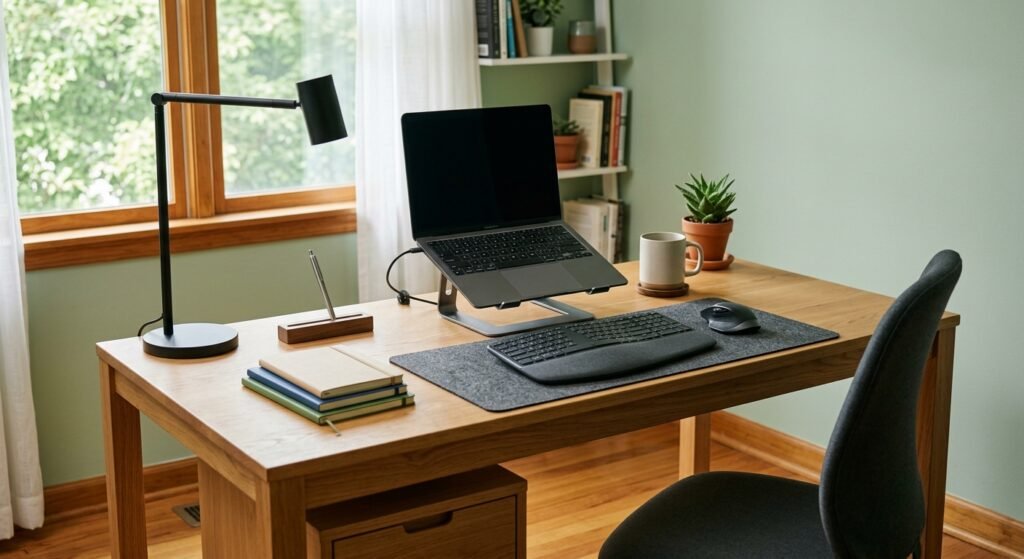
In the era of working from home (WFH), a neat and organized work desk is very important. Messy cables not only interfere with concentration, but can also be a safety hazard. For this reason, here are some tricks for organizing cables on your work desk so that it looks neat and professional.
The Importance of Organizing Cables Well
Organizing cables is very important to create a comfortable working environment. When you have a well-organized desk, your focus will be better maintained. In addition, good cable management will prevent the cable from being damaged, such as being stepped on or pulled.
Choose the Right Cable Organization Tool
Before you start, choose a cable organization tool that suits your needs. You could use:
– Cable Ties:
These ties help group cables together so they don't get tangled together.
– Cable Box:
The cable box stores the cables in one container, so they are not visible.
– Cable Clip:
This tool can keep the cable in its position on the table. With this tool, you can organize the cables on your work desk without clutter.
Steps to Organize Workbench Cables
1. Identify Existing Cables
The first step is to identify all the cables you have. Take a moment to gather cables from various devices. The point is, separate cables based on type, such as charger cables, data cables and HDMI cables. This will make it easier for you to organize.
2. Determine the Cable Route
After identifying the cable, determine the cable route that will be used. The point is, make sure the cable is not stretched in a place that is prone to being stepped on or pinched. Make the route from the device to the socket safe and efficient.
3. Use Cable Ties
Once the cables are in place, use cable ties to group similar cables together. For example, group charger cables with one strap and data cables with another strap. This will make it easier for you to find the cable you need.
4. Place the Cable in the Cable Box
After the cables are tied, insert the cables into the cable box. Choose a cable box that suits the size of your table. Cable boxes not only keep cables organized, but also create a more aesthetic appearance.
5. Use Cable Clips
Apart from the cable box, you can use a cable clip to attach the cable to the side of the table. This aims to make the cable easier to reach. With a cable clip, you can also avoid cables falling to the floor.
Additional Tips for Keeping Your Work Desk Clean
– Routine Sorting Cables:
Take time every month to sort unused cables. This will generally reduce unnecessary items on your desk.
– Cable Labels:
To make it easier to identify, you can label each cable. In general, this will shorten the time to search for cables when needed.
– Avoid Temporary Installation:
Try to avoid temporary installations that may cause confusion in the future. If you need to move the device, do so in an orderly manner.
Conclusion
By applying the tricks for organizing cables on your WFH work desk that have been explained, you can create a tidier and more comfortable work environment. Good organization not only increases productivity, but also gives a professional impression, even at home. Let's start organizing your work desk and feel the difference!
Contact us:
- Visit the Bali Website: New Raj Signature (Architecture & Interior)
- Consult on the design of a comfortable reading corner in your bedroom: 08885112222
END OF NOTE / 25
BACK TO TOPARTICLE SOURCE
From the official New Raj Signature archive. This version is automatically translated from Indonesian.
Read the original article